Seedance 2.5 AI Video Generator - Native 30s 4K
Generate native 30-second 4K AI videos from one prompt with Seedance 2.5. Guide cinematic motion with text, images, video, audio, and up to 50 multimodal references.
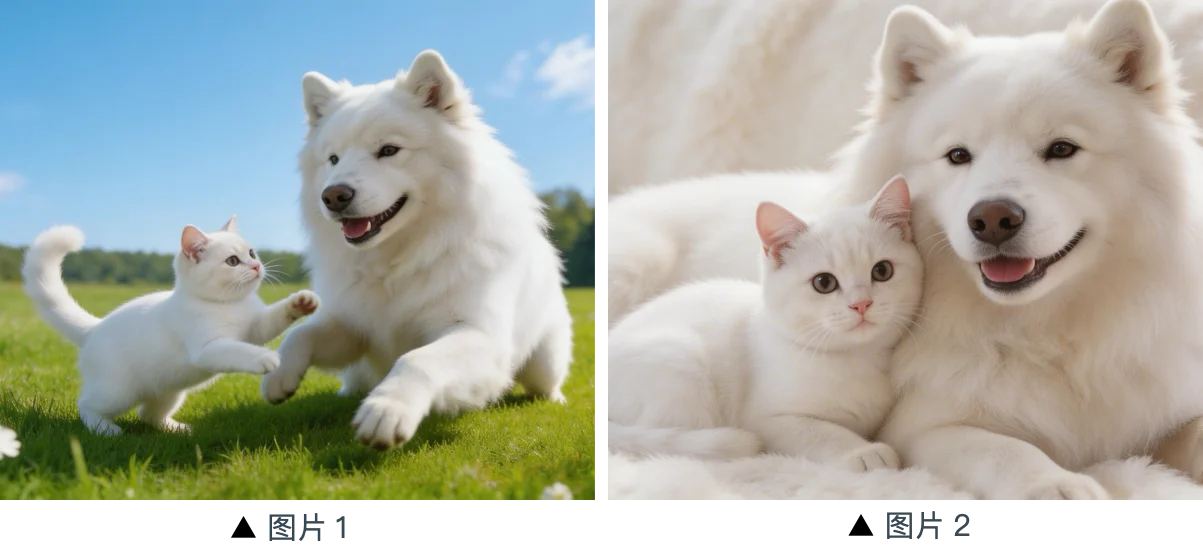
One prompt for a 30-second 4K video.
Seedance 2.5 is built around native 30-second generation, so creators can plan a complete scene, product ad, short film shot, or social clip without stitching many short outputs together.
One prompt. One native 30-second 4K result.
Up to 50 multimodal references.
Use images, video clips, audio, product photos, character sheets, style boards, and motion examples to guide the final video. Reference-to-video control is the Seedance 2.5 advantage.
Text for direction. References for control.
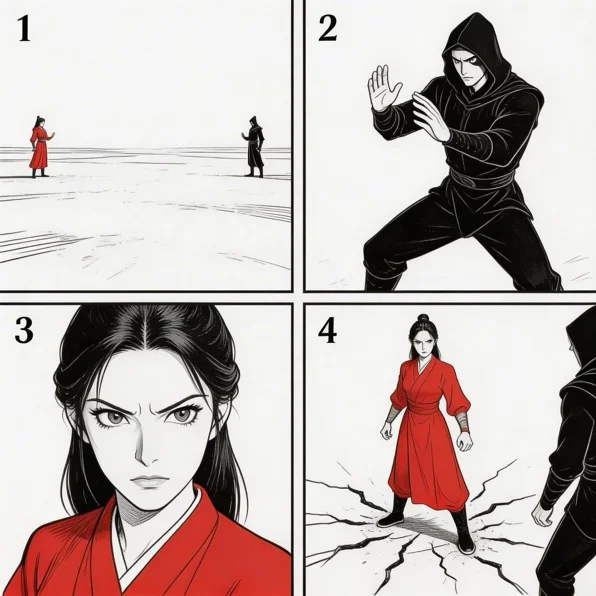
Cinematic prompt control for multi-shot stories.
Describe camera motion, cuts, lighting, subject action, and style in natural language. Seedance 2.5 focuses on prompt adherence, reference consistency, and longer cinematic storytelling.
Camera, motion, style, and story in one prompt.
Why creators choose Seedance 2.5 for 30s 4K video
A native 30-second 4K AI video workflow for creators who want one-prompt storytelling, 50-reference control, and sharper cinematic output.
30-Second Native Clips
Generate a complete 30-second video in a single clip, with enough room for camera movement, cuts, and story progression.
Native 4K Output
Create sharper product visuals, cinematic scenes, animation tests, and commercial concepts with 4K-ready detail.
50 Reference Inputs
Guide each video with up to 50 images, clips, audio files, product assets, character sheets, and style references.
One-Prompt Filmmaking
Write a single detailed prompt that controls subject, action, camera, lighting, cuts, and final visual direction.
Reference-to-Video Control
Use references when words are not enough to preserve a face, product, outfit, motion pattern, or brand look.
Free Credits to Start
Start testing Seedance 2.5 prompts and reference workflows before scaling to larger batches.
How to use Seedance 2.5
Upload references, write one prompt, and generate a native 30-second 4K AI video.
Upload up to 50 references
Add images, video clips, audio, product photos, style boards, or character references to guide the generated video.
Write one cinematic prompt
Describe the subject, motion, camera, scene cuts, lighting, style, and how each reference should shape the final result.
Generate 30s 4K video
Create a native 30-second 4K video, preview the output, then download or refine your prompt for another version.
Seedance 2.5 — Frequently Asked Questions
Explore More AI Tools
Discover other models on Seedance 2.5
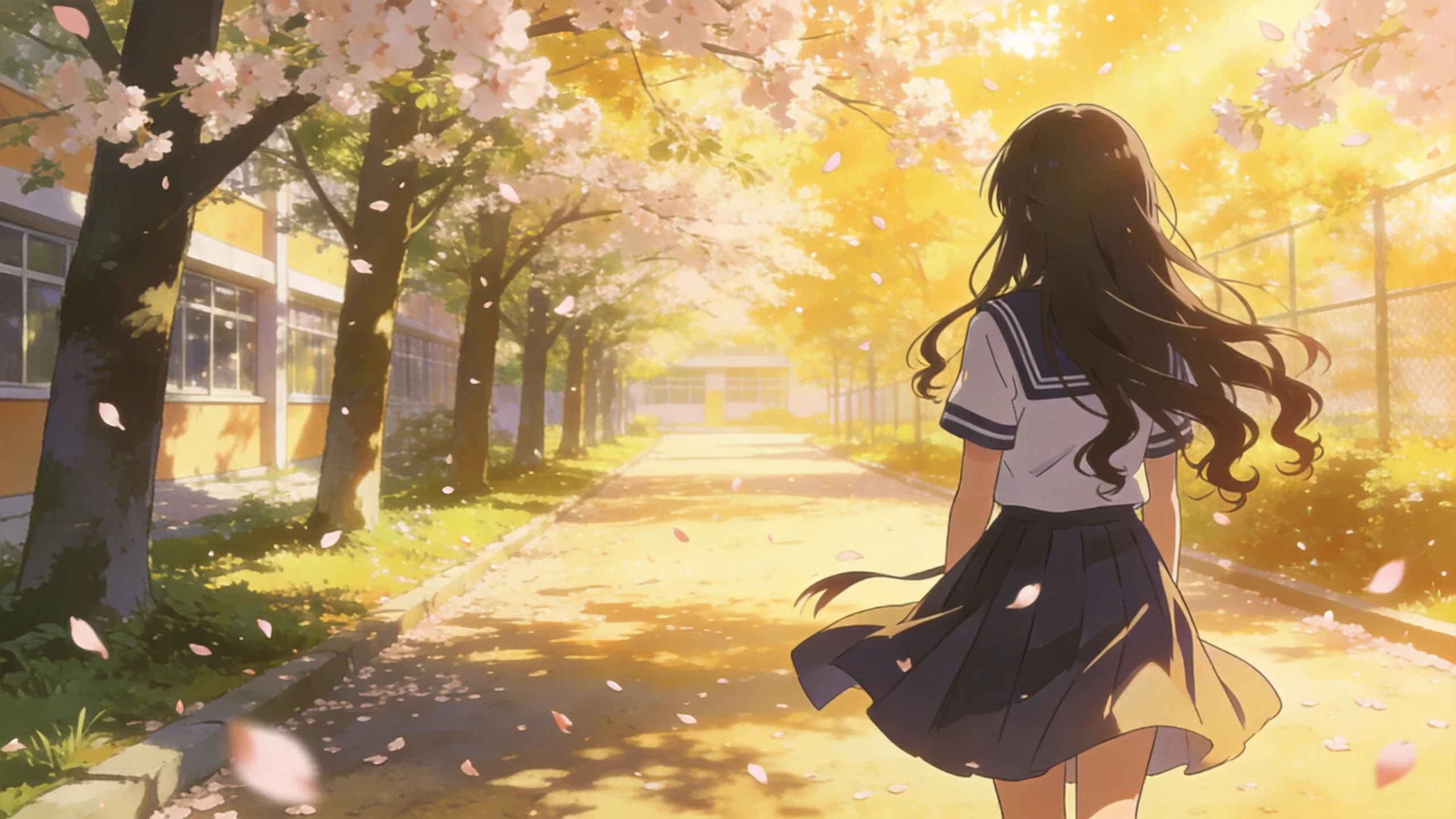
Generate 30s 4K Video with Seedance 2.5
Start from one prompt, add up to 50 references, and create a cinematic native 30-second 4K AI video.
Create Seedance 2.5 Video